

Cloud
Your whole ProPresenter show — slides, media, timers, settings — in sync across every machine. Build from home, edit live, and never lose a file.
Now included with every ProPresenter subscription.
Your whole ProPresenter show — slides, media, timers, settings — in sync across every machine. Build from home, edit live, and never lose a file.
Now included with every ProPresenter subscription.
Lightning-fast cloud sync for ProPresenter. Your workspace, updated everywhere instantly.
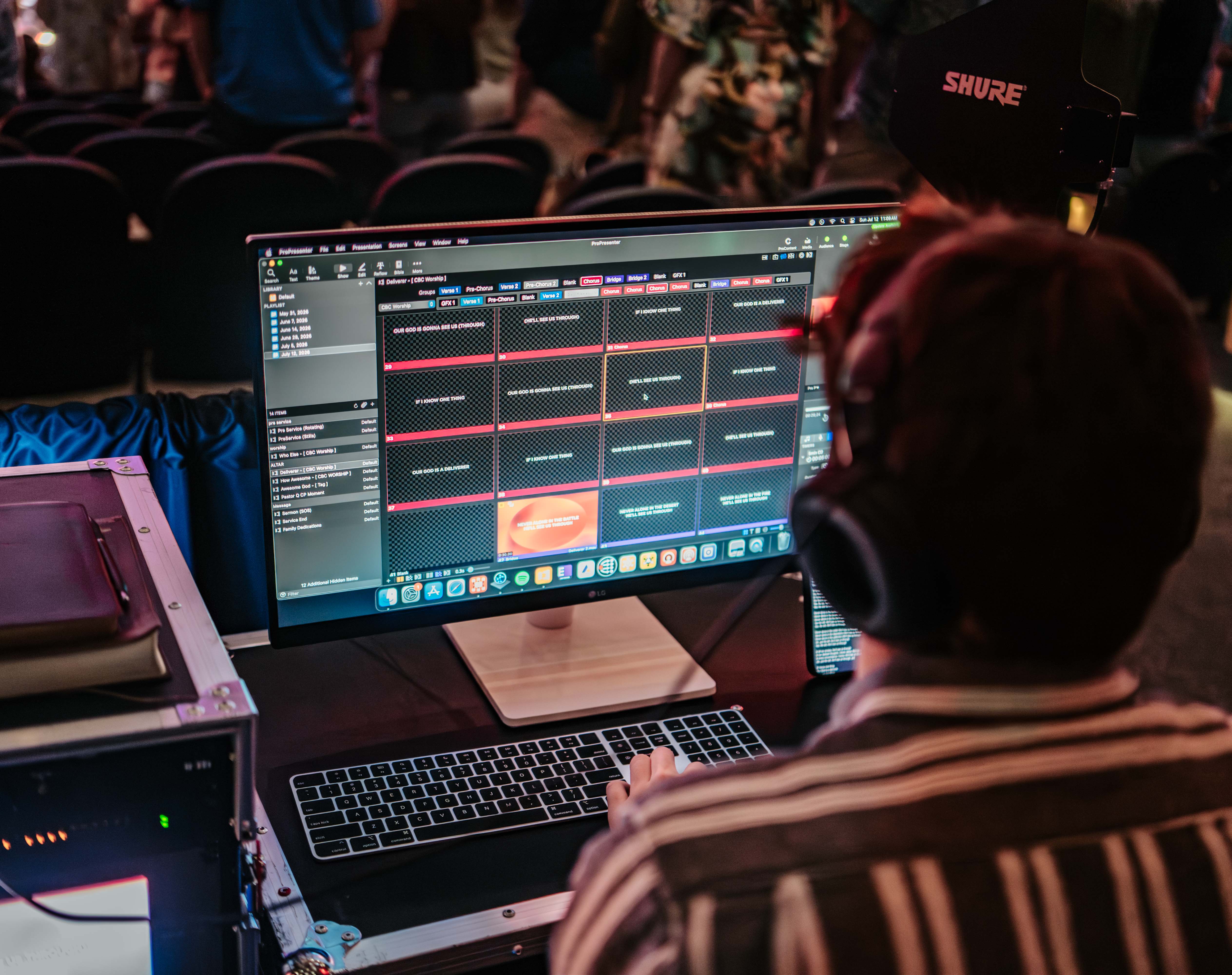
Finish slides at home Thursday night, and they’re on the booth computer Sunday morning.
Add last-minute slides from a Cloud Editor seat on a second device while someone else runs the service.
Dead laptop? New computer? Just download your workspace and keep going.
Turn a workspace into a Cloud workspace and everything syncs across all devices signed into your organization.


Keep using the ProPresenter desktop app exactly as you do today. No new app, no web editor. Your show still lives on each computer, so it’s there even if the internet drops. Cloud just keeps every computer in sync. Manage your workspaces online anytime: add, delete, or restore one.
50 GB
of storage, shared across your organization
Unlimited
workspaces
2
Cloud Editor seats
Need more room for a media-heavy library? Upgrade your storage anytime.
Not at church midweek? That’s fine. Build Sunday’s slides from home, and they’ll be waiting on the booth computer.
Prep Sunday from your desk, your couch, or the coffee shop. No more walking to the booth to make a change.
Prep every room from your desk instead of walking to each computer. Everything is backed up, and you can finish from home when you need to.
When you’re the whole team, work from home instead of a cold booth, and know everything’s backed up.
A typical setup: a Presenter seat in the booth, plus your 2 included Cloud Editor seats for your worship leader and a volunteer.
Upgrading from v21? Active seats are now Presenter seats, and Inactive seats are now Local Editor seats.
Consulta nuestras preguntas frecuentes o nuestra base de conocimientos que hemos creado para responder a tus preguntas. ¿Necesitas ayuda adicional? ¡Conéctese con un agente del equipo de soporte!
Lleve sus presentaciones en vivo al siguiente nivel con el conjunto de herramientas intuitivas de ProPresenter.
%20(1).avif)


